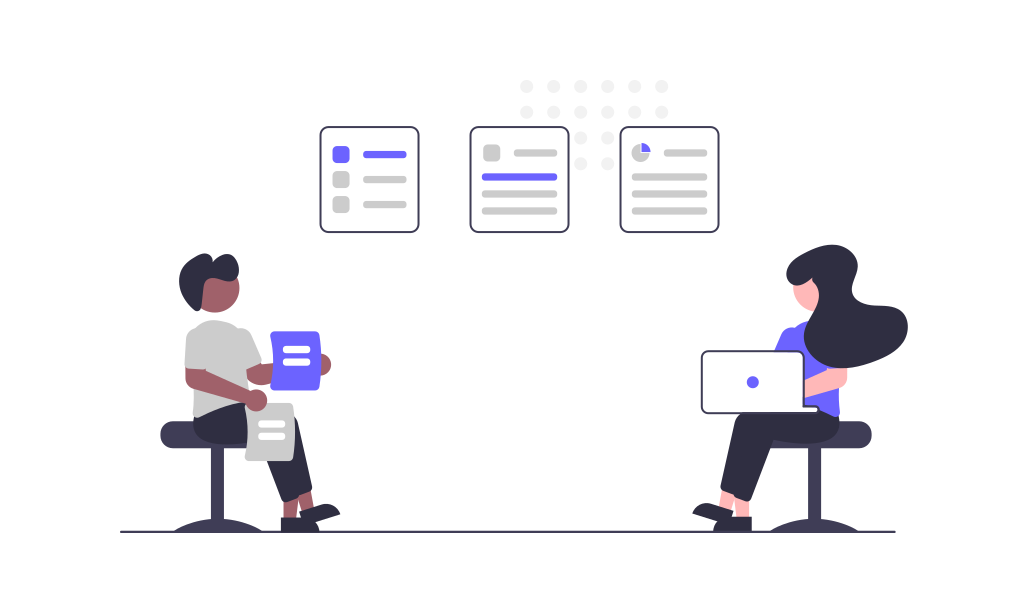
How It Works
Invite MEET @ownrides.com to meeting
or forward the calendar invite to meet@ownrides.com to have it auto-join the meeting.
MEET auto-join meeting
on scheduled date and time to assist you in the meeting or even attend it on your behalf.
Receive outcome from MEET
a few minutes after the meeting, you'll get an email to the recording + transcript.
Record
Instantly record meetings across any web-conferencing platform. It's easy to invite MEET to your meetings to record and share conversations.
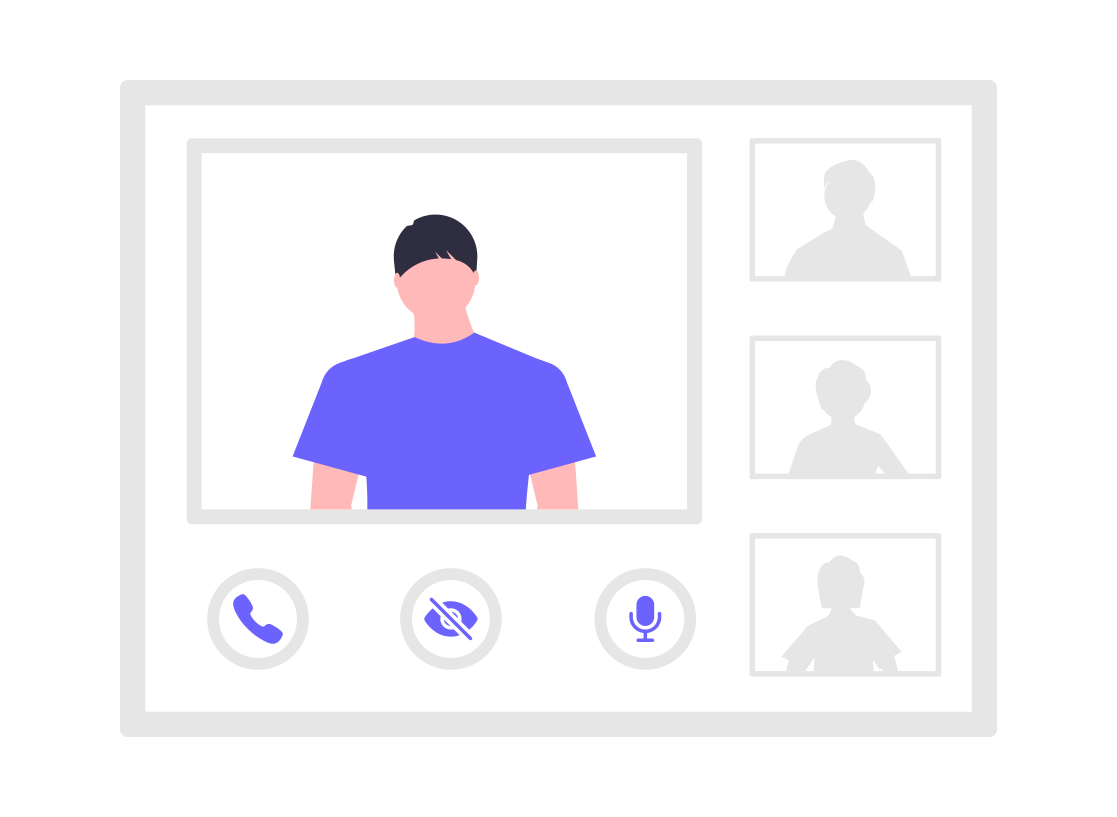
Transcribe
MEET can transcribe live meetings or audio files that you upload. Skim the transcripts while listening to the audio afterwards.

Time
Let MEET be your timekeeper and remind you how much time is left and when the meeting should end.

MEET is especially helpful in sales calls, recruiting interviews and customer support sessions where you need to focus on the participant, but the AI assistant is also helpful in team meetings and other 1-on-1 meetings within the company.
Currently, MEET can join Microsoft Teams, Whereby and Jitsi meetings that do not require MEET to login. Soon, the AI assistant will be able to join Zoom, Google Meet, WebEx and other meetings too.
Yes, MEET can attend meetings on your behalf but we recommend only for those meetings which do not require your active participation. MEET can also stand-in for you in meetings which you will be late to, have to leave early or be away in between.
Long before the pandemic, Team OWNRIDES is already working remotely from multiple locations (Taiwan, Singapore and Thailand), so we understand the difficulties in online meetings. Steve also has the relevant experience of creating Lovebyte to help long-distance relationship couples stay connected online and thus knows very well how to make it work for other relation too.